Clarity

A tutor, one key away.

Download for macOS macOS 14 or later · Apple Silicon

Won't open? macOS blocks it once because it isn't notarized yet. System Settings → Privacy & Security → Open Anyway.


Press E. Drag a box.

Only the box you draw leaves your Mac. Your recents stay on it.

  1. CaptureThe screen edge glows while Clarity listens. Drag a box round the problem.
  2. AskWhat's confusing you? Pick Tutor or Answer, then Enter.
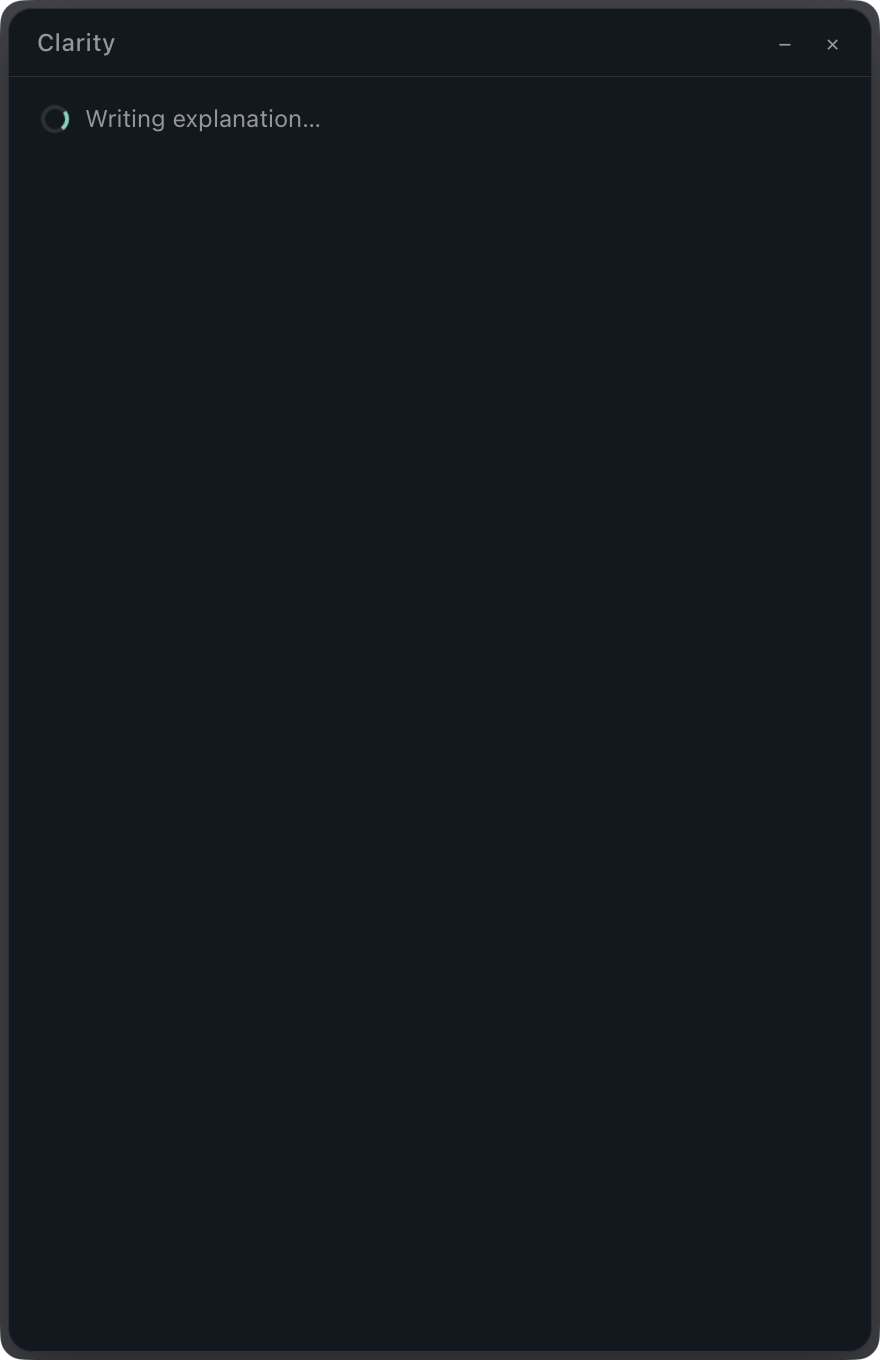
  3. ReadingThe result window opens. Reading, then writing.
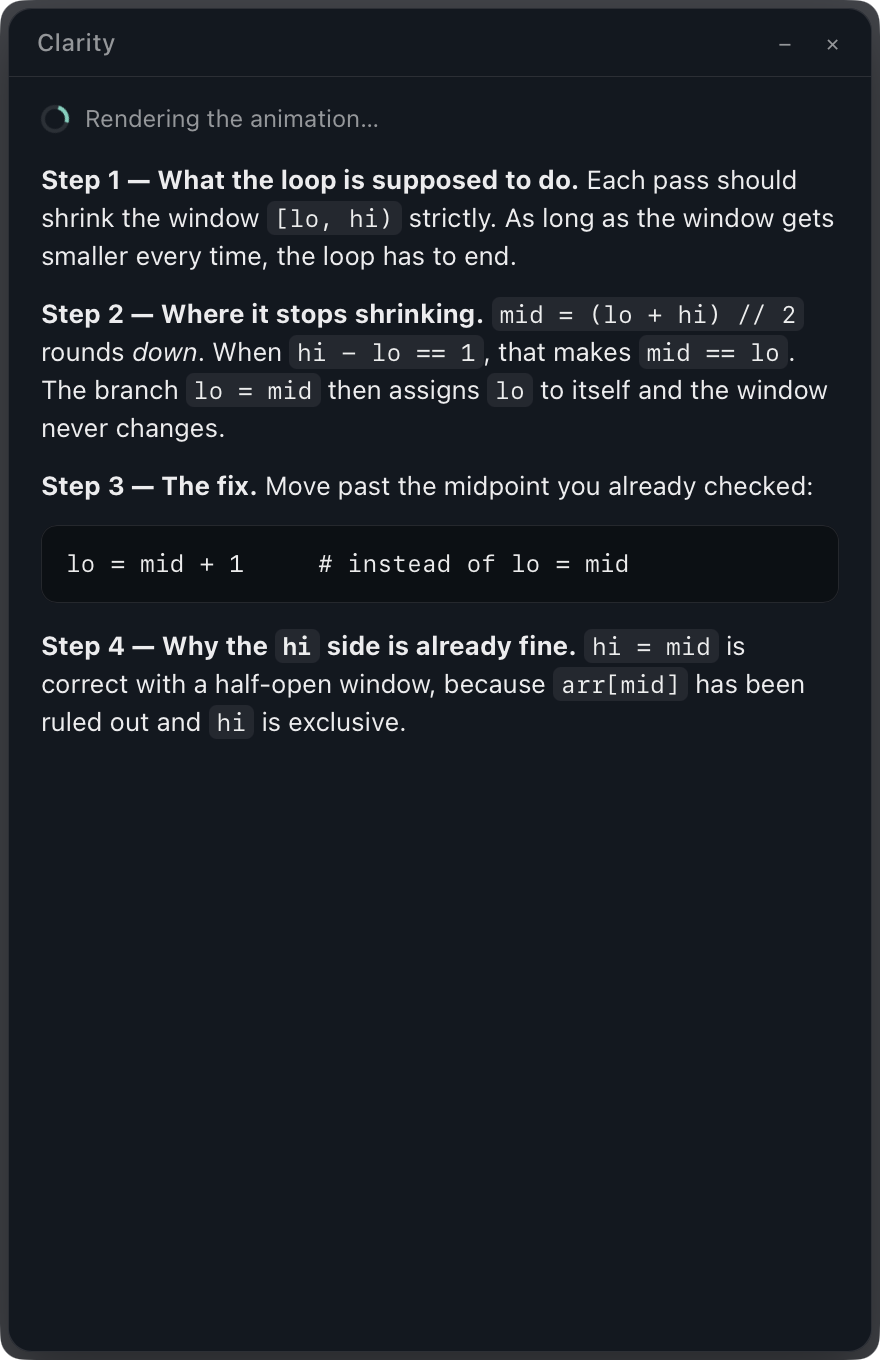
  4. ExplainedThe written explanation, in about eight seconds.
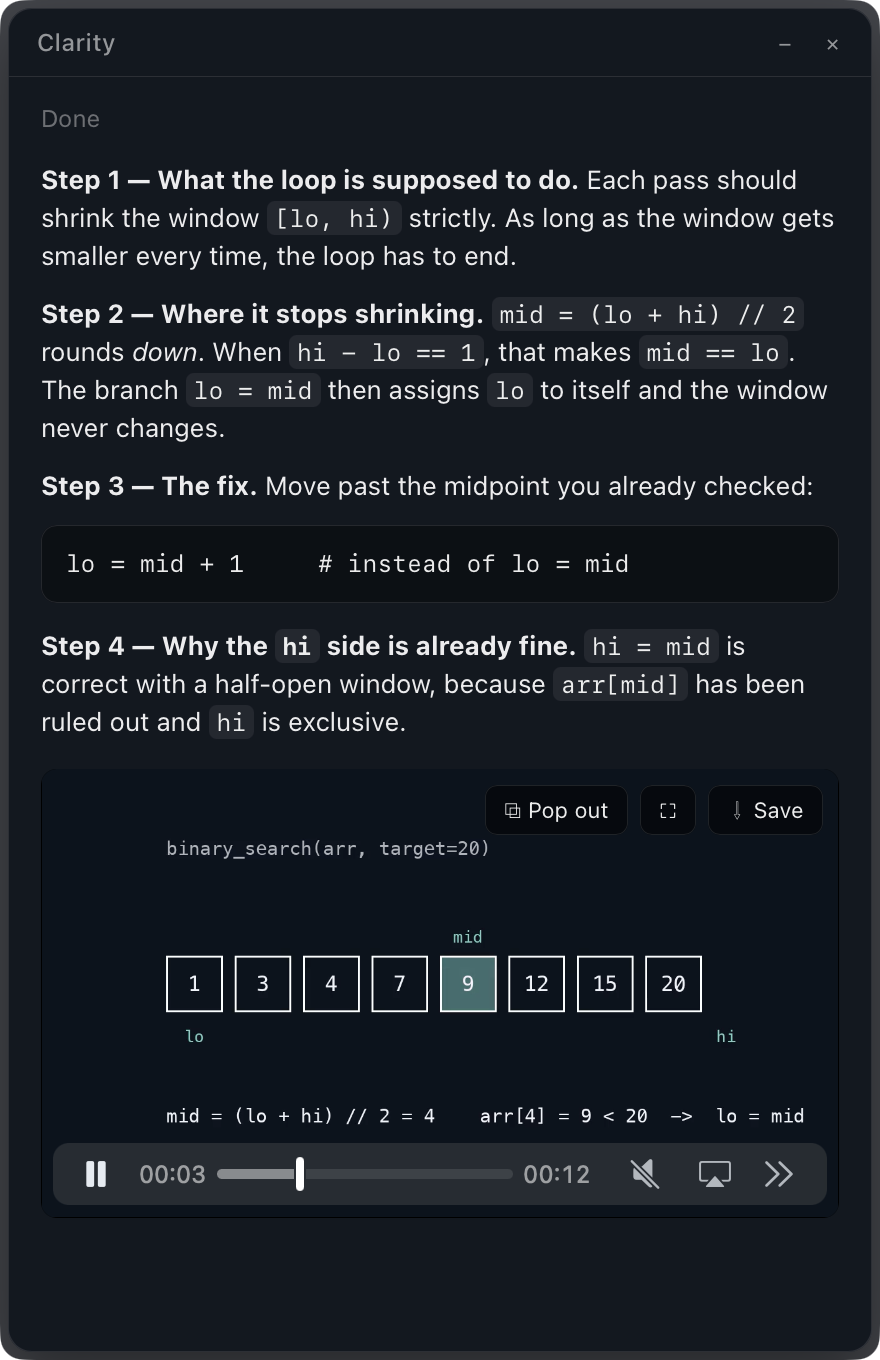
  5. AnimatedThe animation, about a minute later. Pop it out, go full screen, or save it.
The Spotlight box with a thumbnail of the capture The Spotlight box with a question typed in The result window: writing explanation The result window with the explanation The result window with the explanation and the animation

What happens next.

    Capture

    Built with.

    Open source.

    github.com/s0hamjain/Clarity